Why Manual Math Matters: How to Double-Check Your Calculator's Answers
There is a dangerous illusion in every maths classroom: if the answer appeared on a screen, it must be right. Typing numbers into a calculator feels precise, so the output feels precise too. It isn't always.
Many students copy down a calculator answer without ever asking whether it makes sense. A missed bracket, a slipped decimal point or a mistyped digit produces a confident, polished, completely wrong result. Calculators are built for speed, but your brain must supply the logic and context. Learn to audit your own work and you protect your marks on every exam.
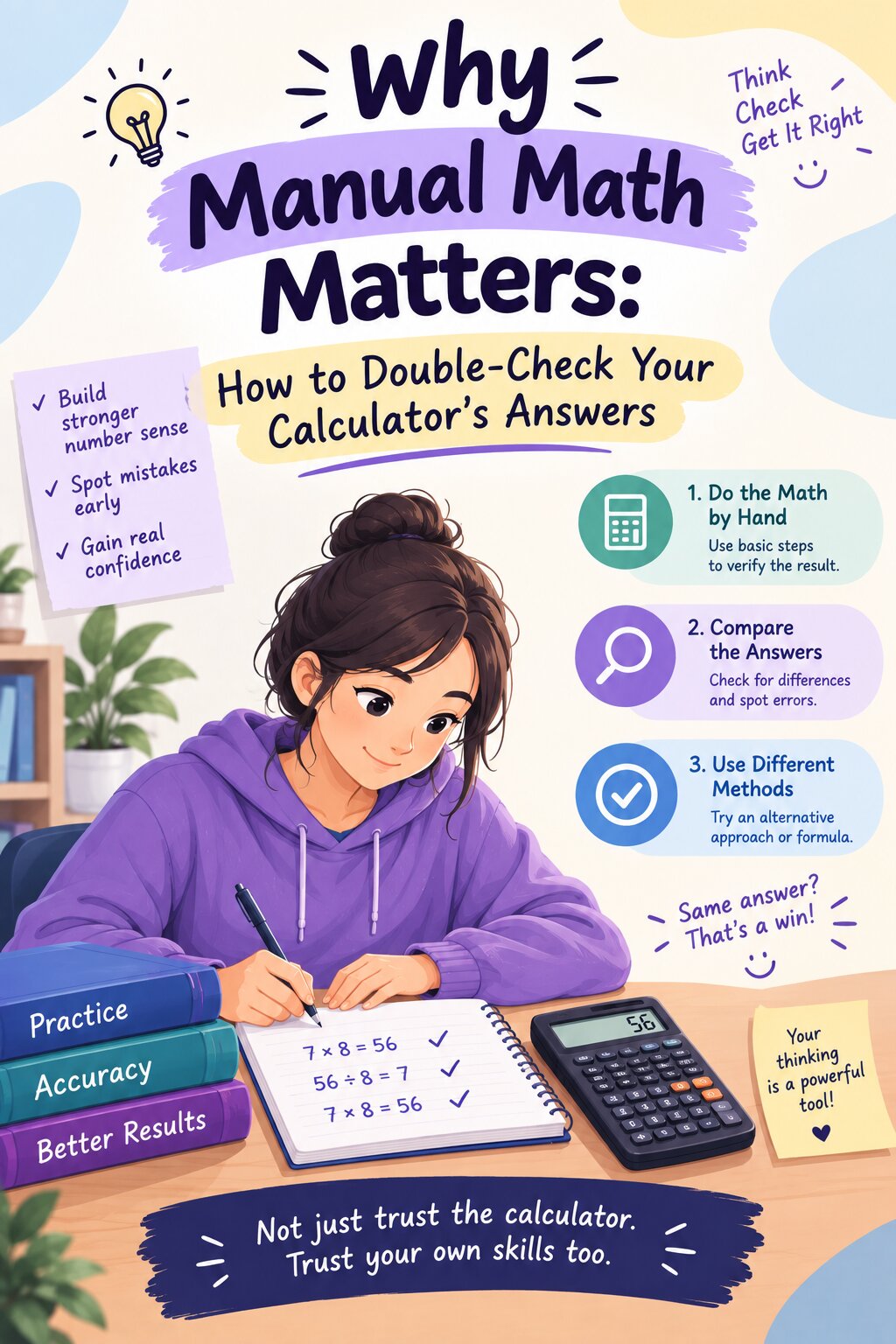
"Garbage In, Garbage Out"
Computer scientists have a phrase for this: Garbage In, Garbage Out. A digital tool processes exactly what you type, never what you meant. If the input is flawed, the output will be flawed, however fast and professional it looks.
(typo, missing bracket)
(works perfectly)
(looks convincing)
The Danger of 'Syntax Errors' and Missing Parentheses
Why Order of Operations (PEMDAS) Destroys Tool Inputs
Software follows the order of operations (PEMDAS: Parentheses, Exponents, Multiplication and Division, Addition and Subtraction) strictly. The classic trap is the negative number:
−4² = −(4 × 4) = −16
On most scientific calculators and in spreadsheet and programming software, typing -4^2 is read as "the negative of 4 squared", giving −16. The exponent binds to the 4 first. If you meant the square of negative four, you must type (-4)^2. Models and behaviour vary slightly between devices, which is one more reason to check.
Here are more everyday input traps:
| What you meant | What you typed | What it calculates |
|---|---|---|
| 12 ÷ (2 + 4) = 2 | 12/2+4 | 6 + 4 = 10 |
| (3 + 5) ÷ 2 = 4 | 3+5/2 | 3 + 2.5 = 5.5 |
| √(16 + 9) = 5 | √16+9 | 4 + 9 = 13 |
| (−4)² = 16 | -4^2 | −16 |
The fix is simple: when in doubt, add brackets, and read the full expression on the screen before pressing equals.
Developing Your 'Estimation' Reflex Before Hitting Equals
The Art of Mental Approximations
Before you touch the calculator, round the numbers and do a rough calculation in your head. This gives you a target range. If the calculator lands far outside it, you know to look for a mistake.
Round each number to something friendly.
Calculate the rough answer mentally.
Compare it with the calculator's result. They should be close.
Estimate: 5 × 11 = 55
Calculator shows 548.8? That is 10 times too big, so a decimal point slipped.
Correct answer: 54.88
- Division: 398 ÷ 19.8 ≈ 400 ÷ 20 = 20 (the exact answer is about 20.1).
- Percentages: 15% of 240 is 10% (24) plus half of that (12) = 36.
- Sanity check: a result that is negative, huge or tiny when you expected the opposite deserves a second look.
Why Understanding the Core Concepts Saves Your Grades
Many standardized exams and school tests ban calculators or award marks for written working and conceptual explanations. A student who only knows which buttons to press is stuck the moment the device is taken away.
Knowing why a method works lets you do three things a calculator cannot:
- Choose the right method for the question before typing anything.
- Explain each step when a teacher asks for working or a proof.
- Spot when an answer is impossible, such as a probability above 1 or a negative length.
When you use a calculator after understanding the concept, it is a resource that saves time. When you use it instead of understanding, it becomes a crutch.
Conclusion: The Right Way to Use Digital Utilities
Use StudyHelpAI's tools as a second pair of eyes, not a replacement for your own. Solve by hand, estimate the result, and then verify your steps with our free student calculators to catch small operational mistakes. If your answer and the tool disagree, don't just copy the tool: trace the difference line by line.
For full worked solutions that explain every step, visit Maths Homework Help. Done this way, technology boosts your confidence instead of replacing your thinking.